MOBILE WEB + CONNECTED MACHINES / PROJECT 03
Our laundry
Check before you carry the laundry downstairs.
Try the prototype ↗ How it works ↓At a glance
- Today
- Interactive demo with simulated states; initial read-only observations from my own washer and dryer.
- My role
- Defining machine states, checking them against actual use and planning the path from appliances to the phone.
- Example
- A finished cycle, an open door and an available machine are treated as separate facts.
- Next step
- Verify live integration and complete interruption and recovery checks before a building pilot.
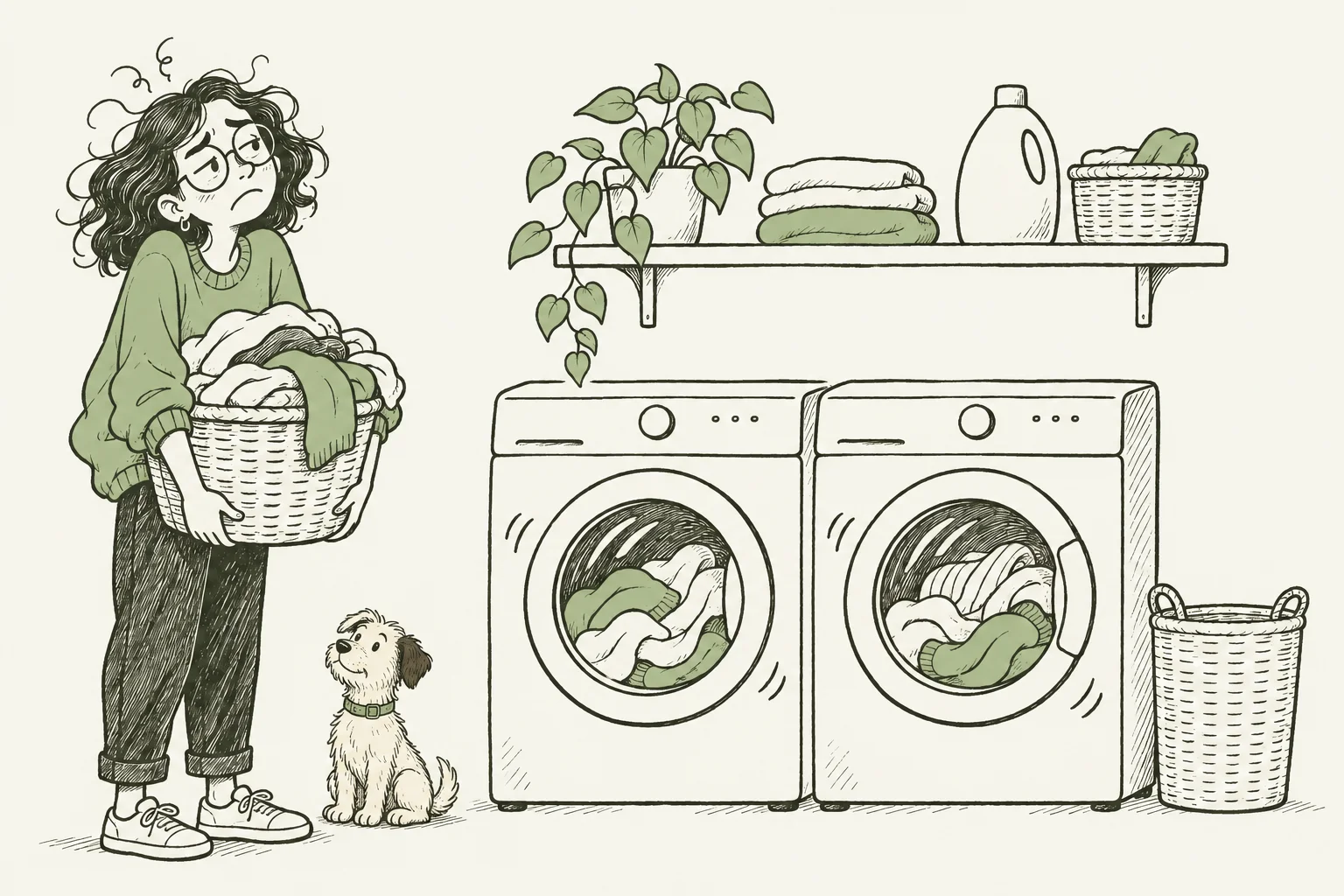
You only find out when you get downstairs.
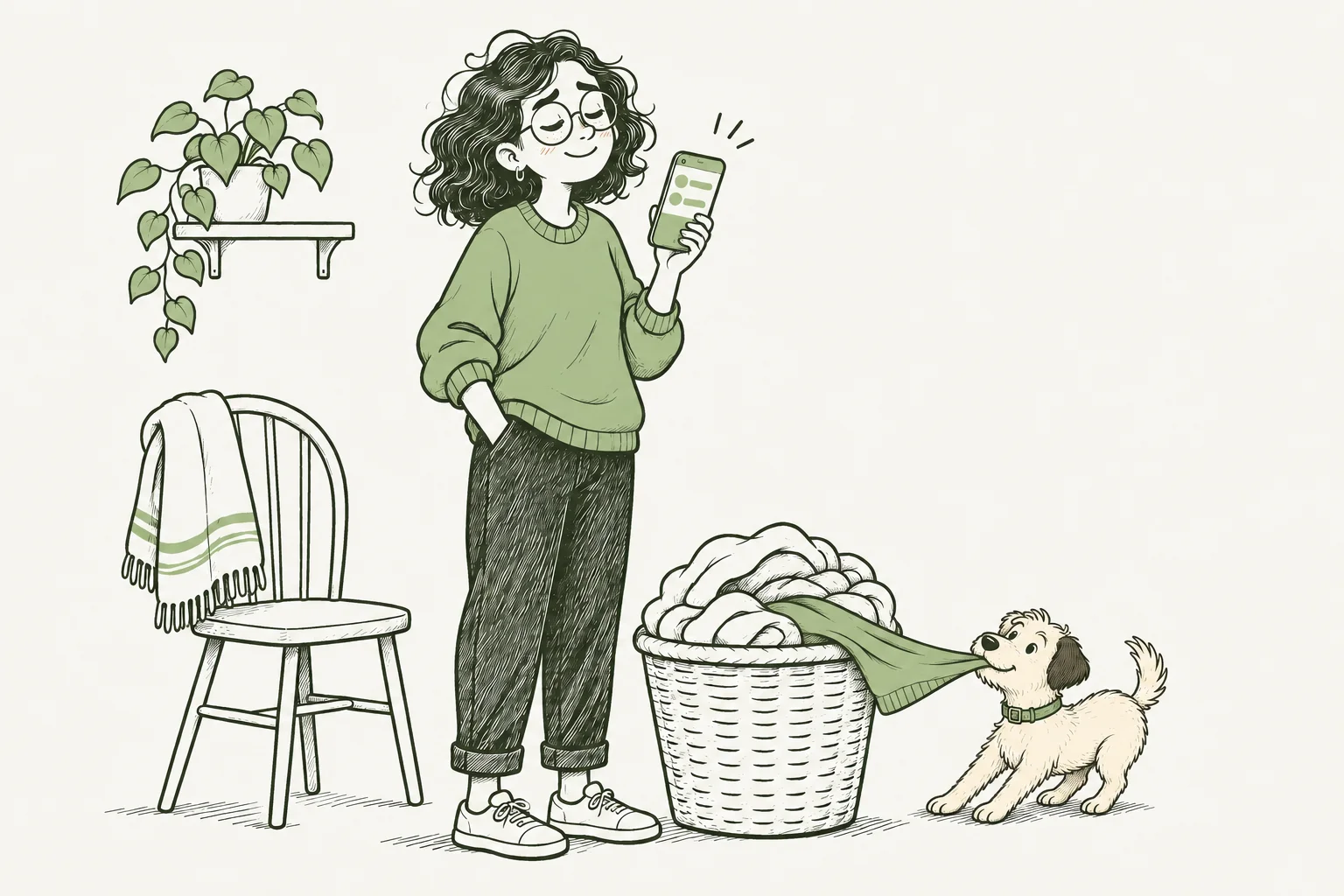
Check the machines before leaving your apartment.
A small everyday frustration.
In buildings with a shared laundry room, you can carry a full basket downstairs only to find every machine occupied. This project starts with a simple question: can residents see the state of the machines before leaving their apartment?
One view, made for a phone.
The first version focuses on a washing machine and a dryer: running, paused, programme finished, door state and an honest indication when the connection is unavailable.
A finished programme does not mean an empty machine. An open door does not prove that the laundry has been collected. Availability will need a separate, clearly defined confirmation.
What has actually been checked?
Development starts with a personally owned washing machine and dryer, used only as test appliances. Read-only integration has returned real states for operation, the end of a washing cycle, pause and an open dryer door, checked against actual use.
A local Python application is being developed around those observations. Its new live integration still needs a separate check. The end of a drying cycle, all interruption paths and long-term reliability are not yet confirmed.
A plan for one building.
The planned system uses separate Wi-Fi electricity measurement for each washer and dryer. Manufacturer APIs can add explicit states on supported machines; the system does not depend on every machine having an API.
QR labels are planned for machine identification, check-in and confirmation that the laundry has been collected. The design focuses on status information, without remote starting or stopping.
PLANNED ARCHITECTURE / ONE BUILDING
From machine readings to a shared view.
A proposed setup for one building. Equipment selection, purchases, installation and a building pilot are not confirmed.
-
Machine + meter
A separate Wi-Fi electricity meter without a relay observes each machine, without switching its power.
-
Wi-Fi + HTTPS
The meter's script sends readings over the building's internet connection using authenticated HTTPS requests.
-
Authenticated intake + storage
A Supabase Edge Function checks device credentials before storing readings in the database.
-
Mobile web app
Residents see the reported state, its source and freshness. Missing or stale readings mean the state is unknown.
Optional manufacturer API
A supported API may provide cycle or door state. A fresh explicit status takes precedence over an estimate from electricity use.
Resident confirmation by QR
QR labels lead residents to the correct machine for check-in and collection confirmation. Human confirmation remains separate from appliance readings.
ILLUSTRATIVE SIGNALS / NOT REAL MEASUREMENTS
What readings can tell us
These invented examples explain the proposed interpretation of readings. They are not real measurements or validated detection thresholds.
A dip can be a pause
A brief low section is followed by renewed activity. A short drop must not be treated as a finished cycle.
Low power is not availability
Activity settles into a low line. A low reading alone confirms neither a finished cycle nor an empty drum.
No fresh readings, no known state
The trace stops and leaves a gap. When readings are missing or stale, the current state is unknown.
Proposed collection flow
- Cycle end reported or estimated
From a supported API, or meter-based rules that still need validation.
- Awaiting collection
A finished programme does not confirm that the drum is empty.
- QR confirmation Resident confirms collection
The resident uses the machine's QR page to confirm collection.
The app would then show availability according to resident confirmation, not a sensor measurement. QR labels do not detect doors or an empty drum.
Setup details
A setup plan to validate on site before a building pilot.
- Survey the room
Check appliance models, electrical connections and loads, Wi-Fi coverage and permission to install equipment.
- Pair and identify each meter
Connect each suitable meter to Wi-Fi and assign it to a unique machine ID. Verify the physical mapping.
- Configure authenticated reporting
Prepare HTTPS reporting to the Edge Function with unique, revocable device credentials. Keep database privileges and server secrets on the server, outside meter scripts and the browser.
- Define state and freshness rules
Record the source and time of each reading. Define stale-data handling and explicit precedence for a supported, fresh manufacturer API. Meter-based rules and thresholds still need validation.
- Set up resident access and QR labels
Restrict access to the building's residents. Match QR labels to machine IDs and verify check-in and collection confirmation through that access-controlled flow.
- Verify cycles, interruptions and recovery
Test complete cycles, pauses, power and network outages, and recovery on each supported machine. Detection thresholds and timing remain to be determined from those observations.