A week beneath the surface.
Follow seven days of moisture history and a report of hourly averages, temperature and missing intervals. The private workspace adds up to 30 days of history, metric and sensor filters, and CSV export.
HARDWARE + SOFTWARE + GARDEN / FIELD NOTES 03
In development Cloud app online · Hardware integration next
A small lawn. A closer look beneath the surface.
What started as an idea for watering my 49 m² lawn is becoming grgaGrow — a garden app that brings soil history, weather, light and everyday care into one place. The cloud app is online, with public views and a private owner workspace. Two wired probes and an ESP32 controller will connect it to the soil.
Live: public readings, regional weather and sun/shade · Demo: simulated readings. Live and Demo need no account. Owner sign-in opens your private workspace.
01 / SOFTWARE YOU CAN EXPLORE
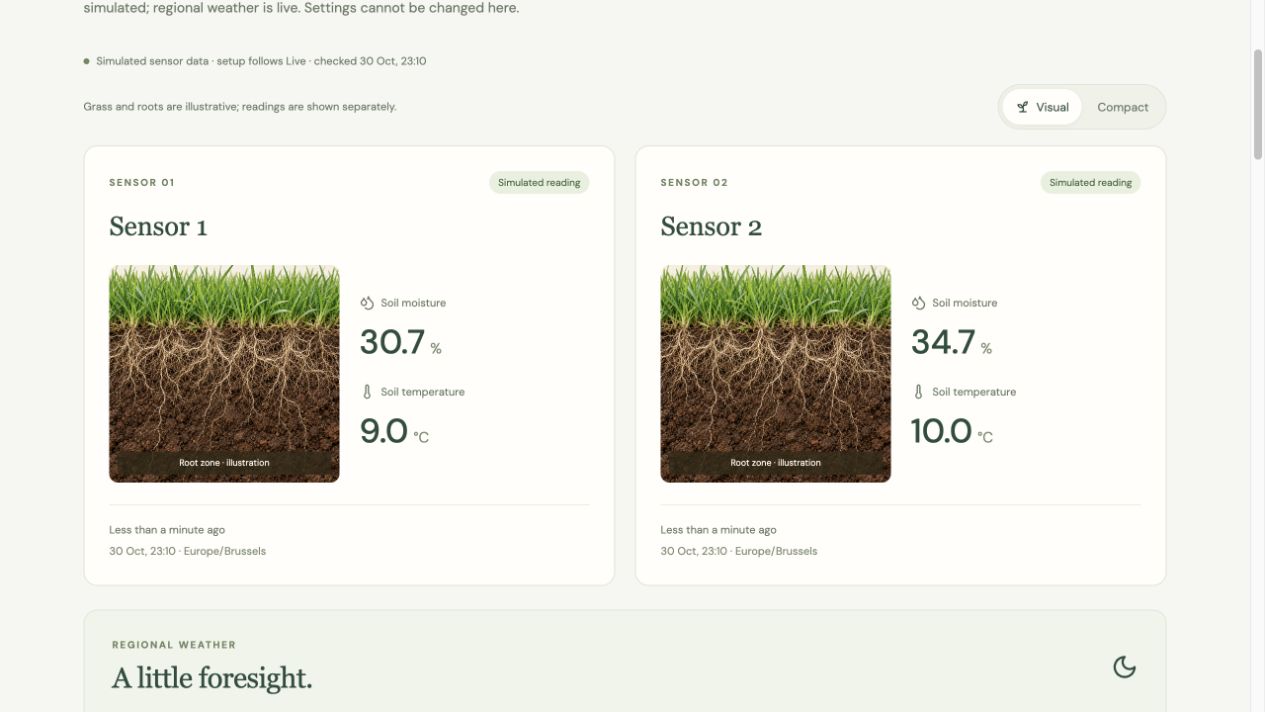
Demo follows the published garden setup with simulated soil readings and example activities. Public Live shows the measurements and garden context the owner chooses to share. Both are read-only and open without an account. The private owner workspace adds settings, longer history, the care diary, alerts and sensor setup.
Switch between Visual sensor cards with grass and roots and a Compact view of the readings in both Demo and public Live. The illustration adds context; it does not measure root growth or indicate soil conditions when readings are unavailable.
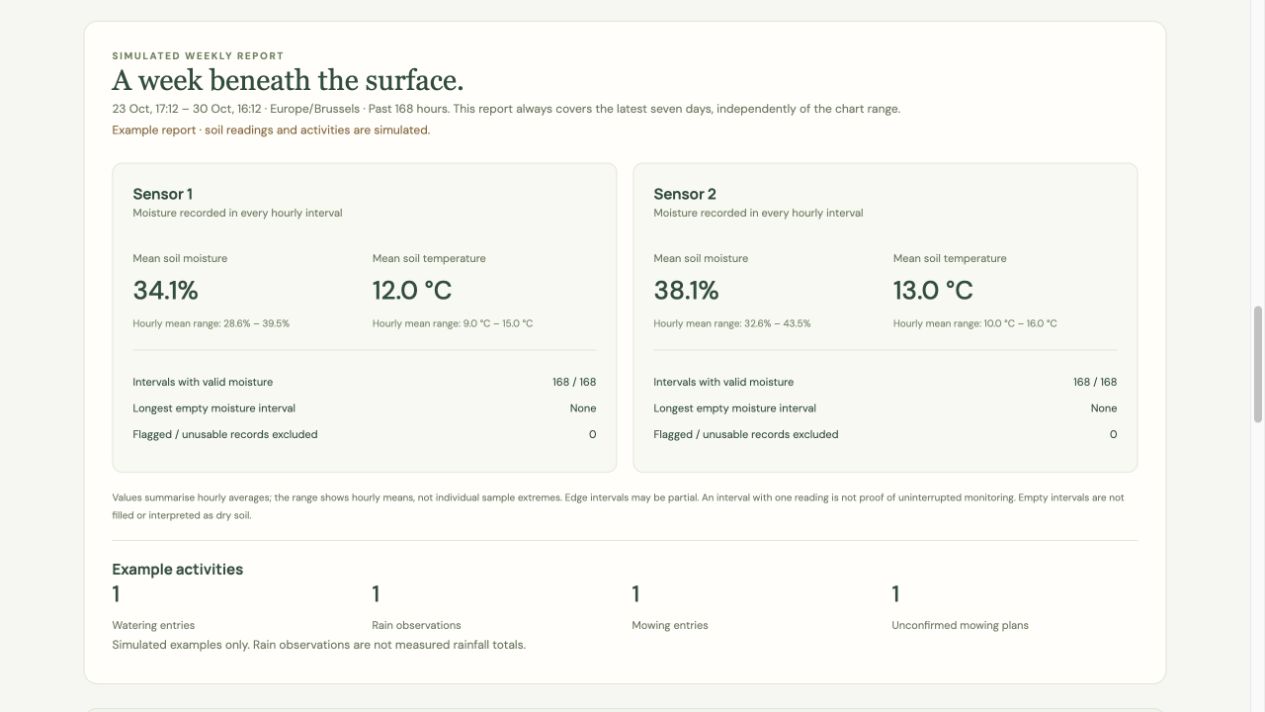
Follow seven days of moisture history and a report of hourly averages, temperature and missing intervals. The private workspace adds up to 30 days of history, metric and sensor filters, and CSV export.
Open-Meteo forecasts put air temperature, expected rainfall and precipitation chance beside the soil data. Forecasts use an approximate public location and remain clearly separate from measured soil conditions.
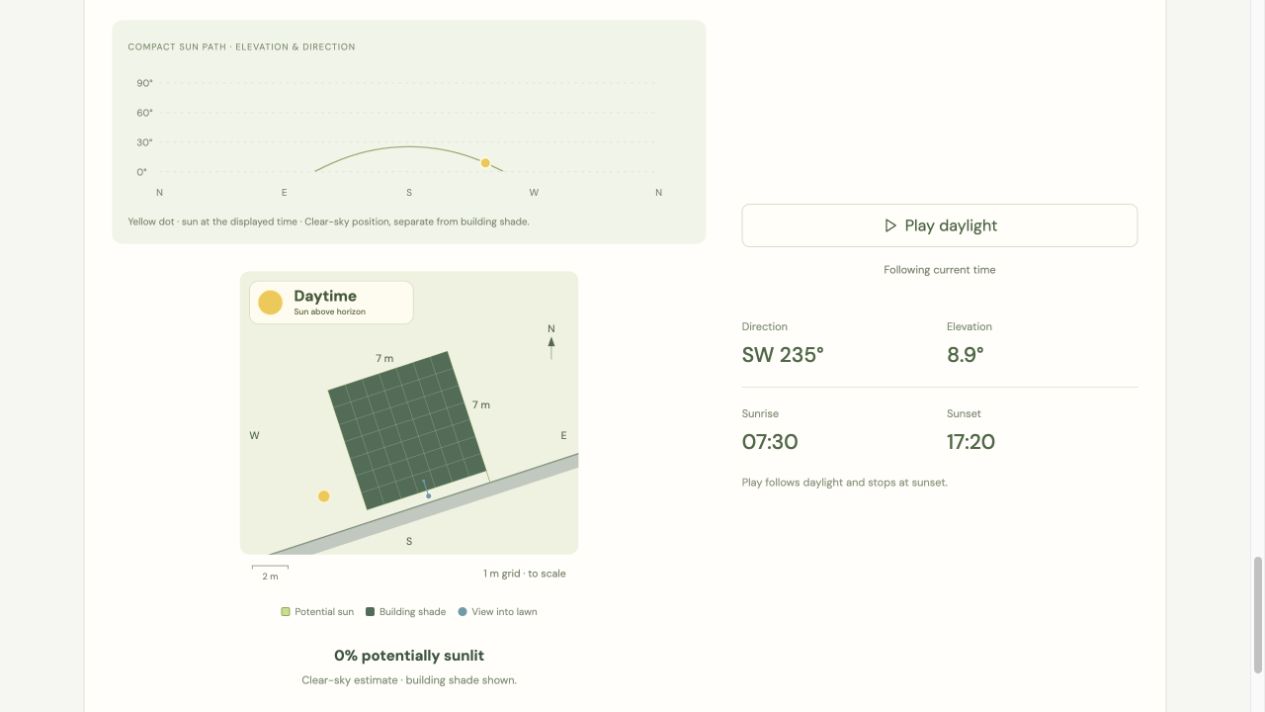
A compact sun path and daylight playback move together with the garden model. Explore sun direction, elevation and estimated building shade. Trees, clouds and surrounding obstacles are not fully represented.
Save garden zones and sensor positions, then log watering, observed rain and completed mowing alongside moisture changes. Scheduled mowing stays separate until completion is recorded. Demo uses fictional events; the owner’s diary stays private.
An alert explains what happened, which probe was involved and when it was detected. Open sensor history takes the owner to the matching chart and highlights that time. The cloud alert log is available; phone push delivery still needs physical confirmation.
A guide records installation checks and an estimated field-capacity reference for each sensor. System status separates controller contact from received readings. Saving a soil reference does not automatically validate calibration or watering thresholds.
React · TypeScript · Vite · Supabase / PostgreSQL · Open-Meteo · SunCalc
02 / THE ENGINEERING BEHIND THE SCREEN
A reassuring number is only useful if it can be trusted. The app checks freshness and time quality, preserves gaps in the history, and withholds watering suggestions when readings are unreliable. A dry trend must remain valid for an uninterrupted 30-minute window before the current logic suggests watering.
DEVELOPMENT EXAMPLE / A LOST ACKNOWLEDGEMENT
A measurement can reach the database even when its acknowledgement never reaches the device. The local queue model and ingestion code are tested together: resend that measurement, keep a single database record, then remove only the readings that have been acknowledged.
This verifies the software model locally. ESP32 firmware and real flash power-loss testing still come next.
The cloud workspace uses Supabase authentication and owner-scoped database access. A separate public projection exposes only the selected garden data; exact coordinates, private diary entries, alerts and calibration notes stay outside it. The owner can disable publication. Demo values never become real sensor records, and Live shows waiting for data until physical readings arrive.
Supabase / PostgreSQL · Access rules · Idempotent ingestion · Local automated checks
The app and cloud services are online. Physical ingestion, soil calibration, ESP32 firmware and real flash power-loss recovery still require hardware validation. Watering thresholds remain preliminary; automatic irrigation is not active.
03 / HARDWARE — THE ORDERED BUILD
The first build now includes the two soil probes, ESP32 controller, garden cable, power supply and cabinet components. The aim is a wired installation that can be inspected and serviced, with readings sent over Wi-Fi to grgaGrow. The parts are ordered; assembly, calibration and testing in the lawn are still ahead.
Reference photos below show component types and assembly accessories. Models, dimensions and pictured quantities may differ from the ordered parts.
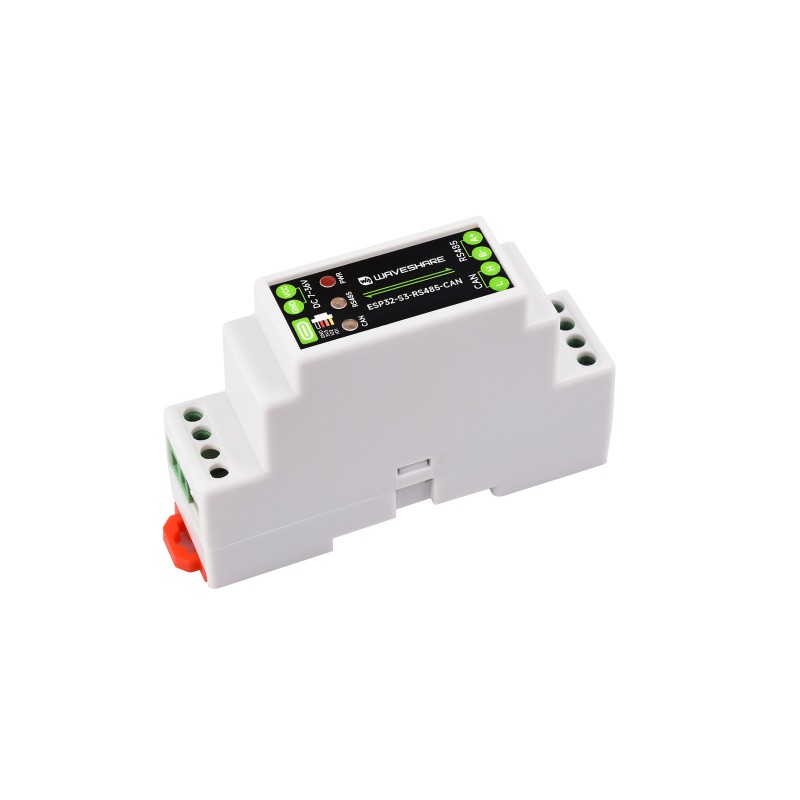
RS485 / CAN · Wi-Fi · DIN housing
Photo: Waveshare ↗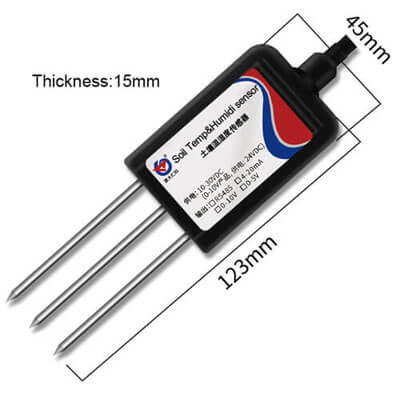
RS485 soil probe
Photo: Renke ↗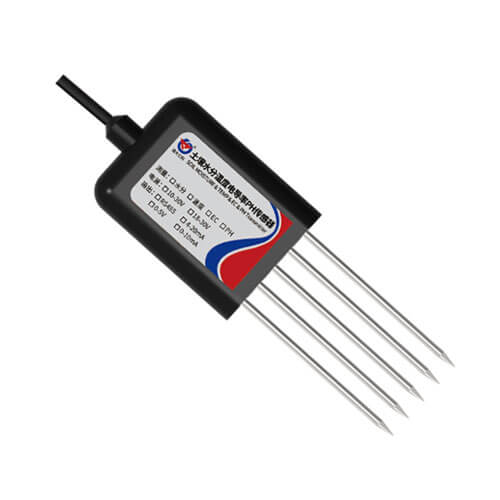
Combined probe · Experimental pH
Photo: Renke ↗
BITNER BiTsensor · Shielded twisted pairs
Photo: Onninen / BITNER ↗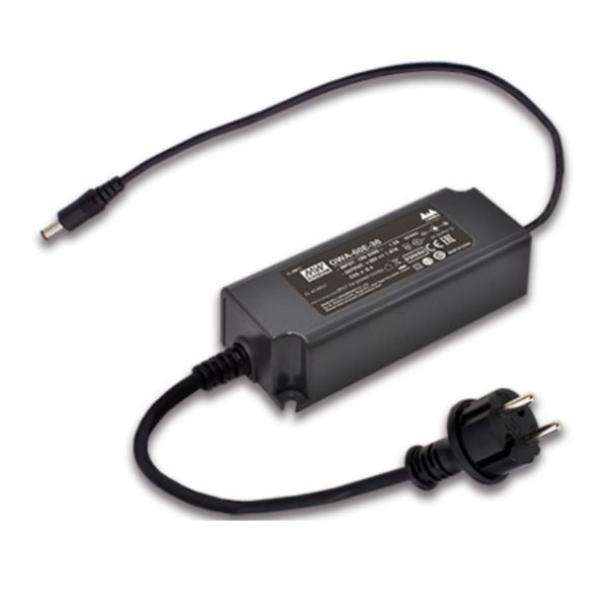
MEAN WELL OWA-60E · Reference model
Photo: MEAN WELL Australia ↗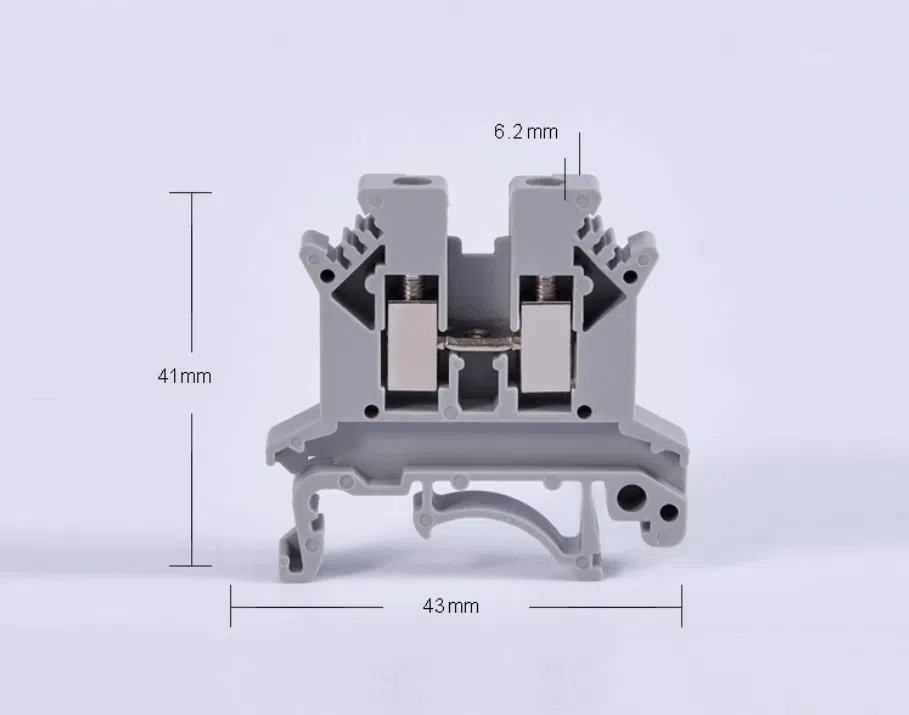
UK2.5B screw terminals
Photo: AOSI ↗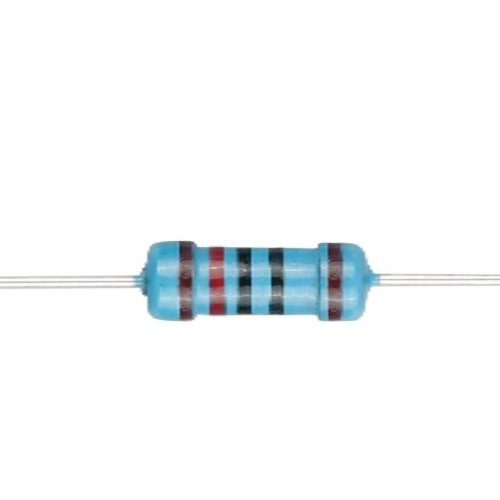
Metal-film resistor · Bus-end termination
Photo: SRK Electronics ↗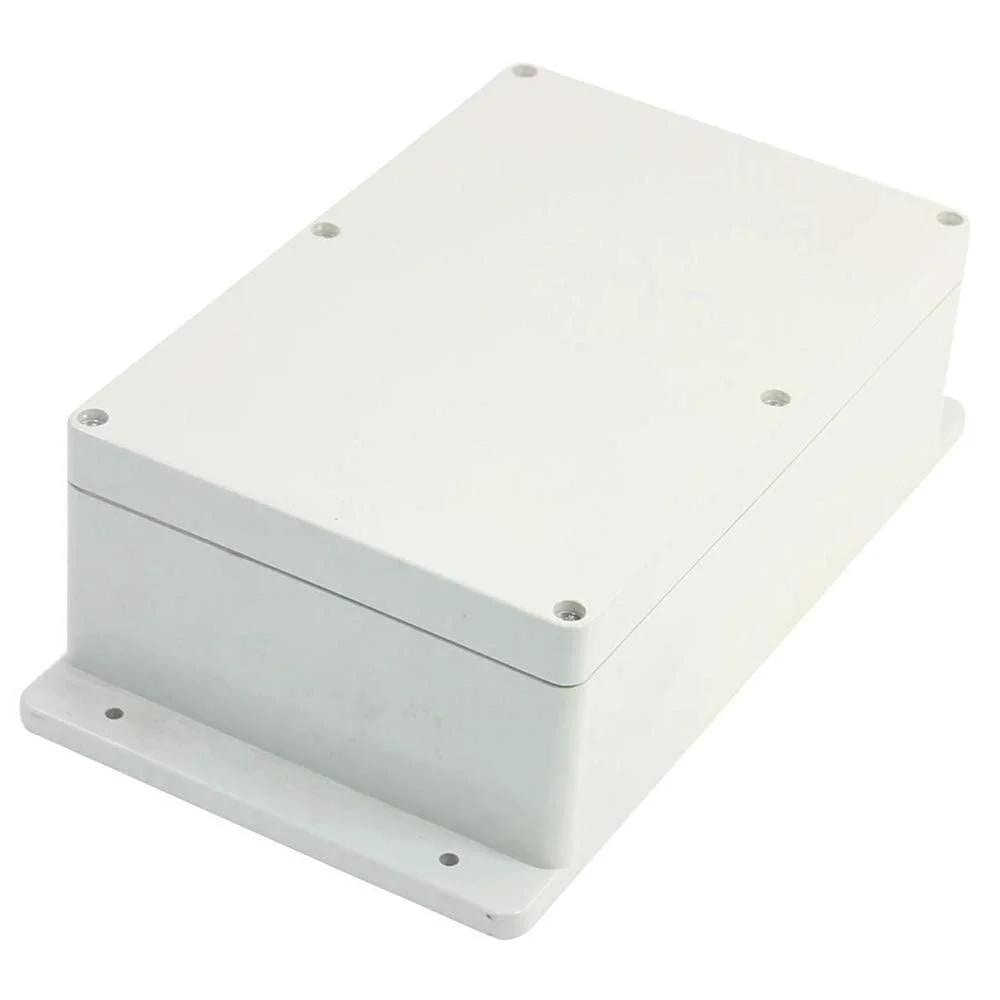
Opaque-lid electronics housing
Photo: VXB ↗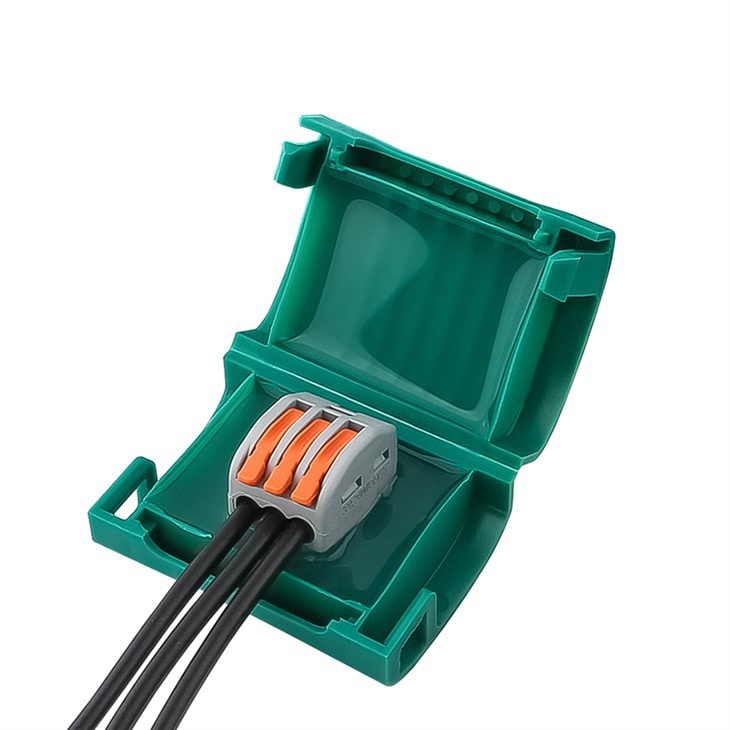
Gel-filled joint housing · Reference model
Photo: JINH ↗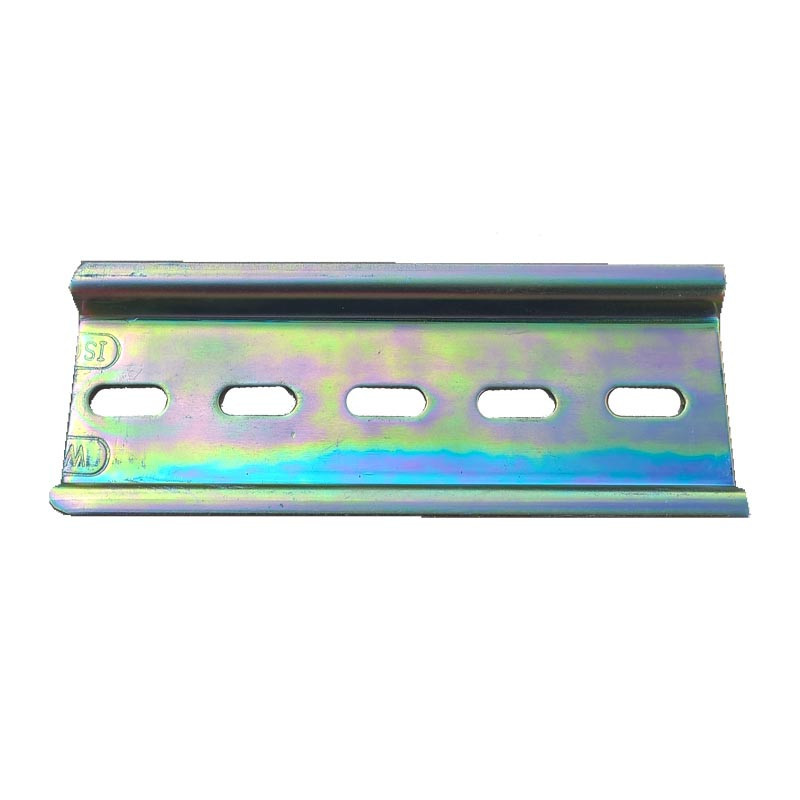
Slotted rail for mounting modules
Photo: Solar DIY ↗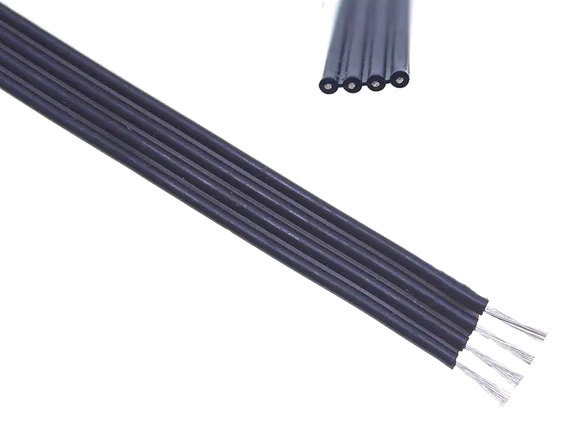
Flexible four-core hookup wire
Photo: LEDsales ↗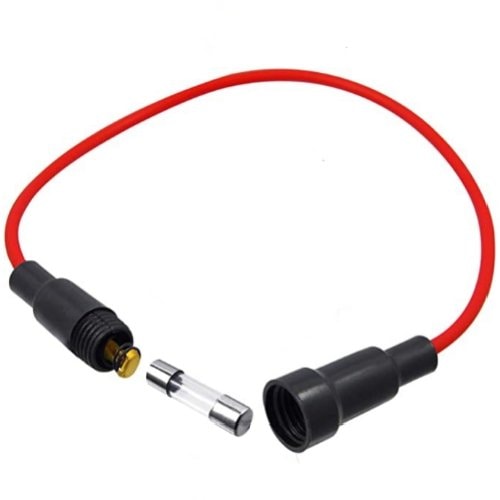
5 × 20 mm glass-fuse holder
Photo: SRK Electronics ↗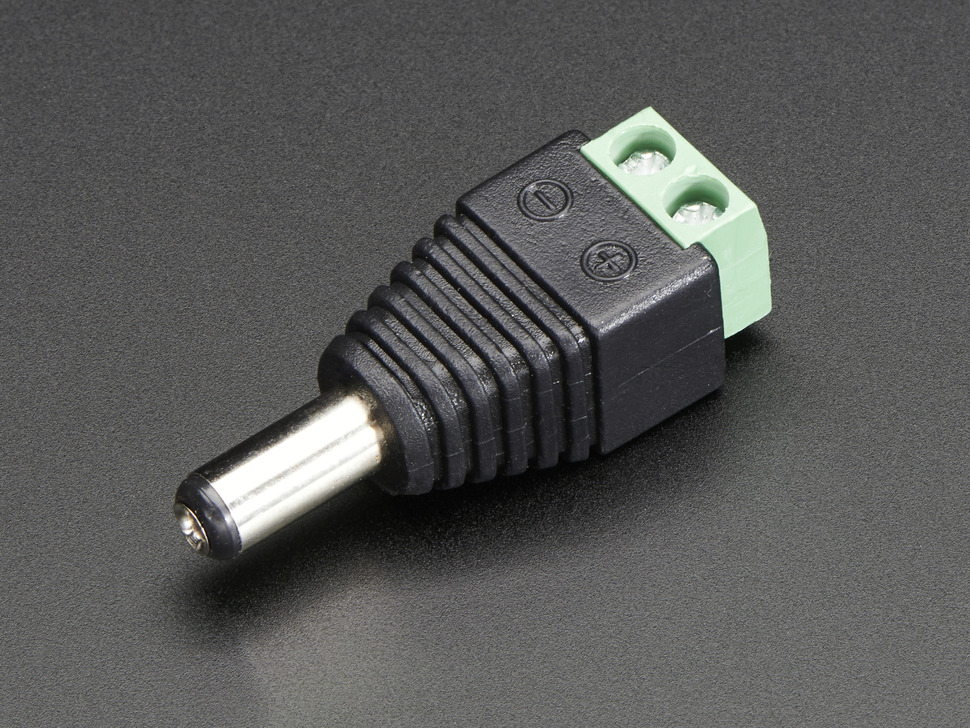
Barrel plug with screw terminals
Photo: Adafruit ↗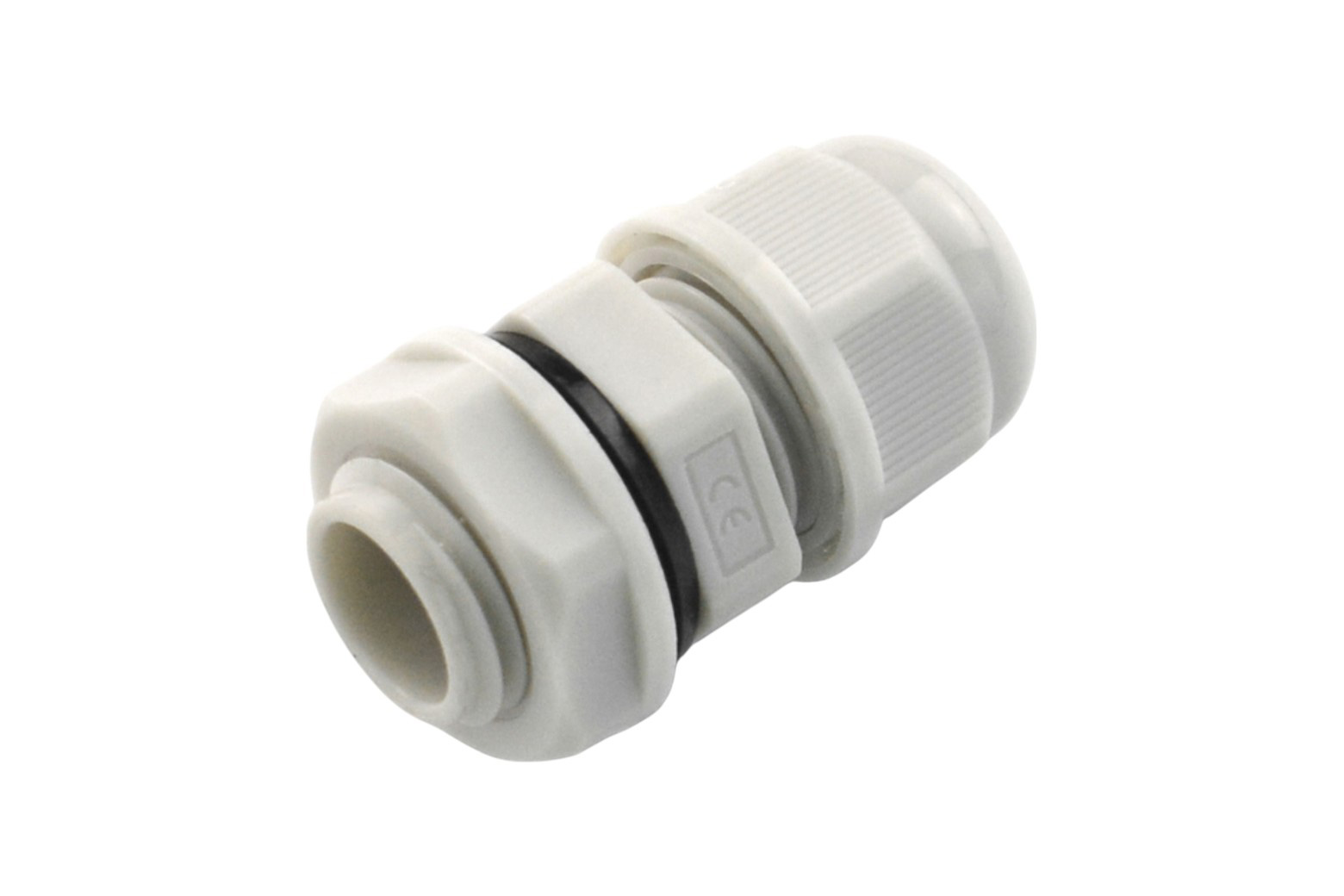
PG7 gland with a sealing ring
Photo: DFRobot ↗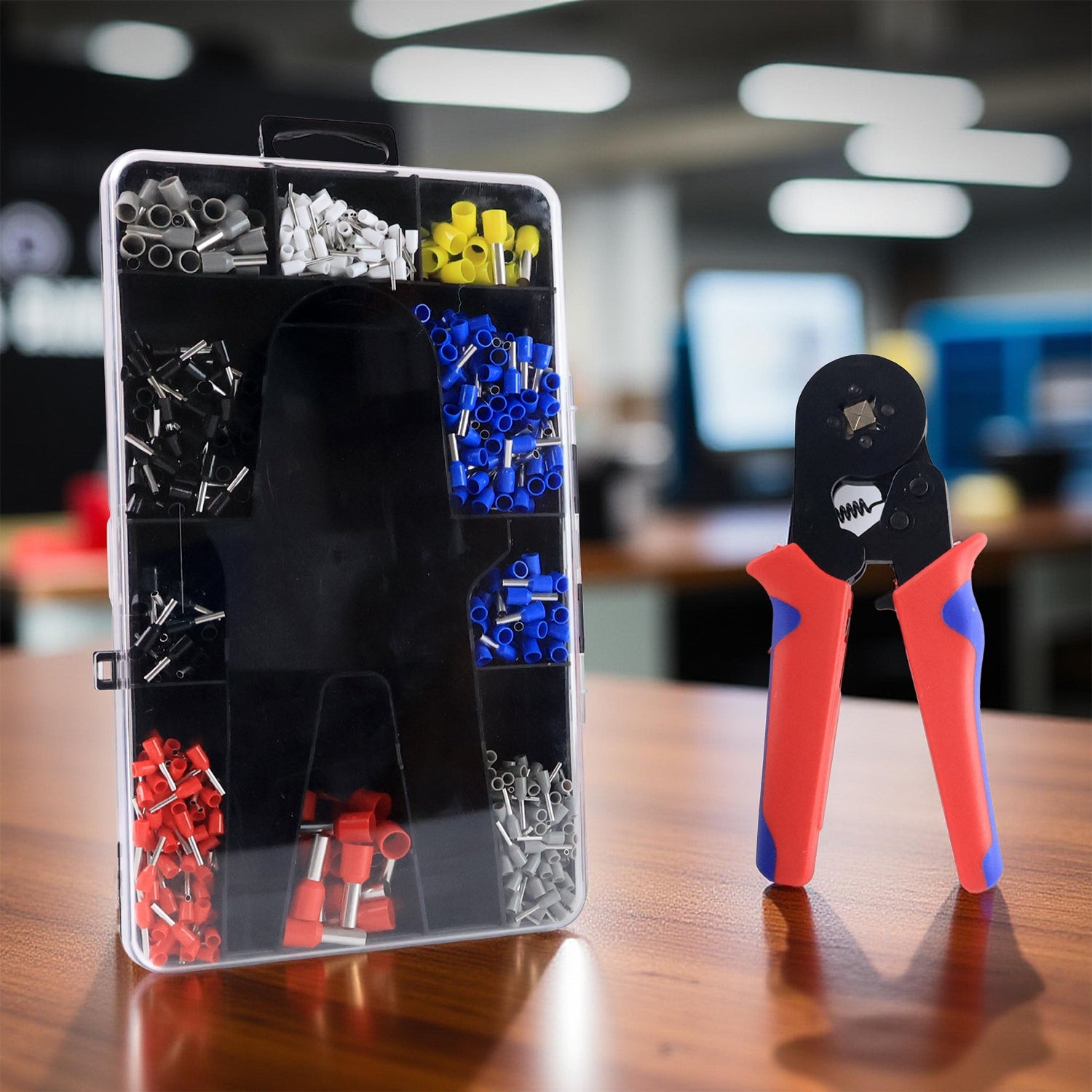
Assembly tools · Wire-end preparation
Photo: DeoDap ↗Click a photo to enlarge. Each image links to its source. Assembly and specification checks are still ahead.
One ESP32-S3-RS485-CAN controller will bridge the wired probes and Wi-Fi. USB-C provides the programming connection. The delivered board variant, pin mapping and power requirements will be checked before assembly.
One moisture / temperature probe and one combined moisture / temperature / pH probe. Both are intended for RS485 / Modbus RTU. Their actual register maps, addresses and calibration will be verified individually; pH remains experimental.
BITNER BiTsensor LP0170: two twisted pairs with a foil shield, 0.34 mm² conductors and a 6.5 mm outer diameter. One pair is planned for RS485 data and the other for sensor power. Cable-entry fit and communication over the final route still need testing.
The supply is ordered for the planned 12 V DC system, alongside five inline holders with 1 A fuses and 5.5 × 2.1 mm DC adapters. The supply model, output rating and compatibility still need checking; the final fuse value follows measured demand.
A UK2.5B terminal-block kit will organise power and signal connections on the DIN rail. Ordered 120 Ω / 0.5 W metal-film resistors provide termination parts for the RS485 bus. Placement depends on the final route and any termination already built into the devices.
A 230 × 150 × 85 mm box, two 10 cm DIN rails, 2 m of 4 × 0.5 mm² internal cable and five PG7 glands form the assembly kit. The layout will keep connections accessible; gland fit, strain relief and sealing will be checked before outdoor use.
BEFORE THE FIRST OUTDOOR READING
Start with one probe, confirm its power and protocol, then give the second probe its own Modbus address before testing them together. The final cable route, termination and sealed joints will be checked as one assembly.
Connection preparation includes gel-filled cable-joint boxes, crimped wire-end ferrules and wire labels. The PG7 glands must fit the 6.5 mm garden cable, and the delivered probes must explicitly support the intended buried installation. Automatic watering comes after reliable monitoring.
↓ RS485 / Modbus RTU · BITNER LP0170 cable
↓ Wi-Fi / HTTPS
↓ Authenticated access
Planned hardware connection · Real readings pending · *pH is experimental
Hardware snapshot: 30 October 2026 · Ordered components, with delivery and bench checks ahead.
04 / THE REAL GARDEN
I still water the lawn manually. Sun, shade and soil conditions can make nearby areas behave differently. I want to compare how quickly they dry, how the soil temperature changes, and how long water takes to reach a probe.
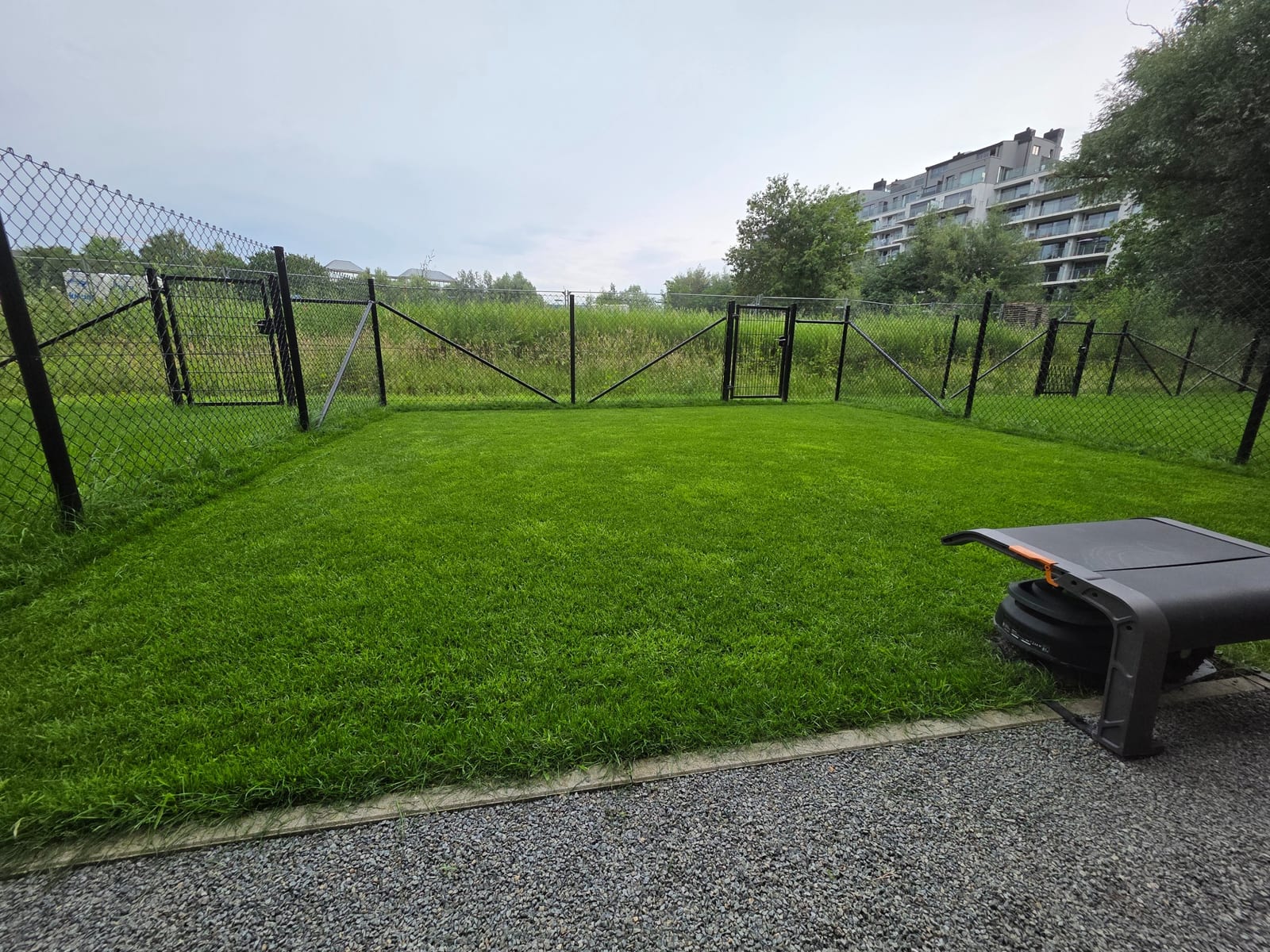
This is the part I enjoy: connecting the interface to something physical, making the measurements understandable, and checking the whole path from a sensor in the ground to a decision on the screen.
05 / CURRENT STATE & NEXT STEPS
Public Demo and Live views, a private cloud workspace, history, weekly reports, a garden diary, alerts, weather and sun/shade. Software behaviour is covered by local automated checks.
Verify the delivered board and probe documentation, implement the firmware, then test communication, calibration and recovery on the bench.
Verify device-to-cloud ingestion, collect real readings and compare both locations through ordinary watering and weather changes. Use those observations to review soil references and thresholds.
Only after reliable monitoring: test a valve, shut-off behaviour and watering limits. Weather and notifications are available in the app; automatic irrigation remains future work.
View the public garden, or explore the simulated demo.
Project snapshot: 30 October 2026 · Live measurements pending hardware connection · Demo uses simulated data